Wish you were here. Actually, next time you're coming.
Free Travel Postcard Maker
Turn a trip photo into a digital postcard and share it in seconds. Free for everyone, no signup.
Click or drop to upload photo
Designs
Upload and share
Pick your look
Choose a travel postcard style that fits your destination or the beautiful place you want to remember.
Drop a photo
Add a camera-roll shot from the trail, overlook, or a moment on the journey.
Spin a message
Refresh a ready travel line or write a short note for the inside of the card.
Sign and share
Add your name, generate the postcard (it's stamped with the day you made it) and send the link. It opens right in their browser, and they can flip through it like a real card.
Travel postcard looks
Browse travel collections
Postcard styles inspired by beautiful travel destinations, famous scenic spots, and national park journeys worth keeping. Tap a look to apply it to the maker above, then drop in your photo.
Scenic rim
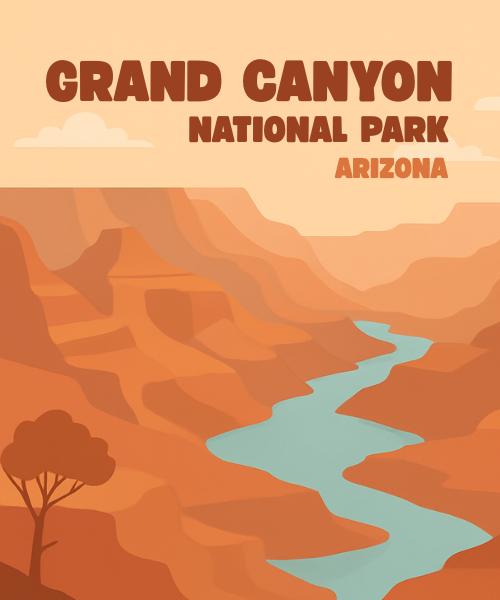
Grand Canyon
A wide-open destination view for the postcard you make after standing at the edge of something vast.Valley light
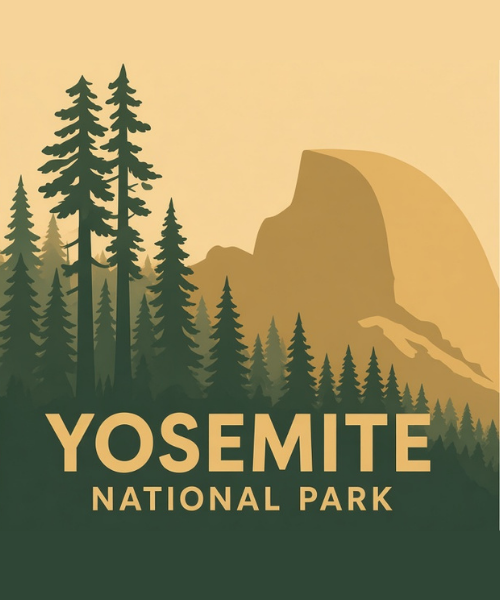
Yosemite
Soft granite light and a quiet overlook — made for a camera-roll moment from a famous scenic stop.Wild west
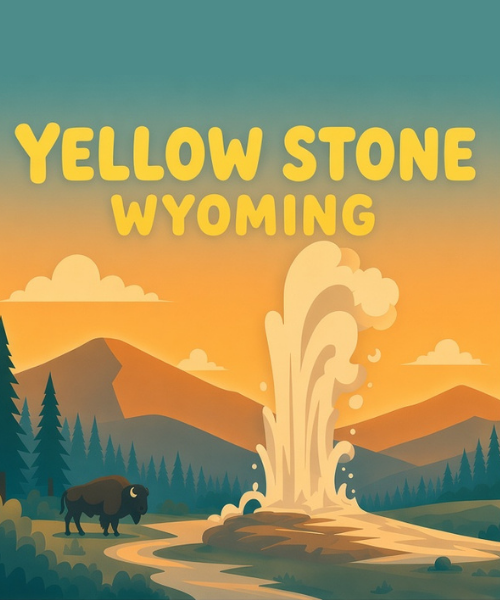
Yellowstone
Steam, sky, and open country energy for a digital travel card you send the same day.Red cliffs
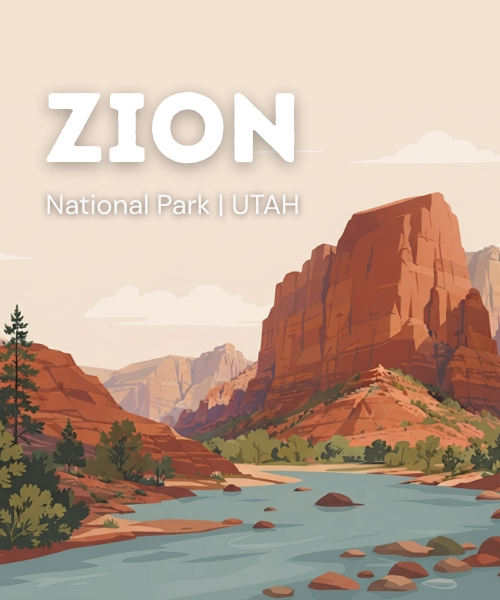
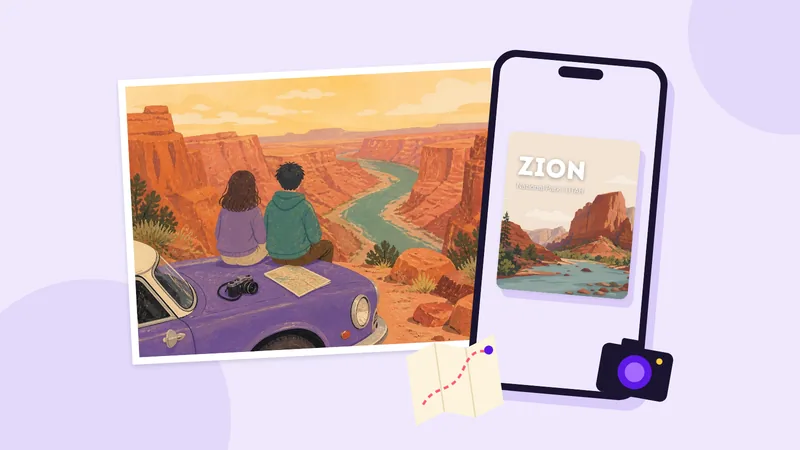
Zion
Warm canyon walls and trail bends — a look that fits a journey through dramatic stone country.Alpine mirror
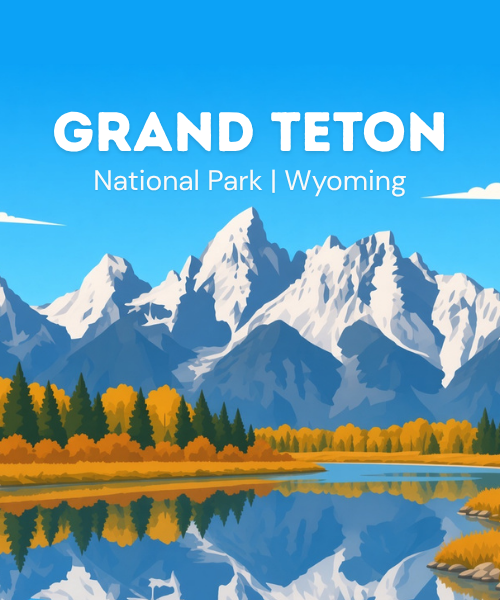
Grand Teton
Sharp peaks over still water — a postcard style for the beautiful place you keep reopening.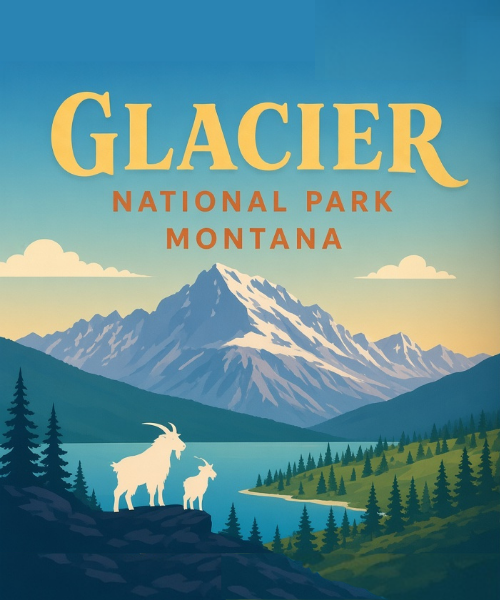
High country
Glacier
Cedar air and mountain light for remembering a long scenic drive or a quiet trail day.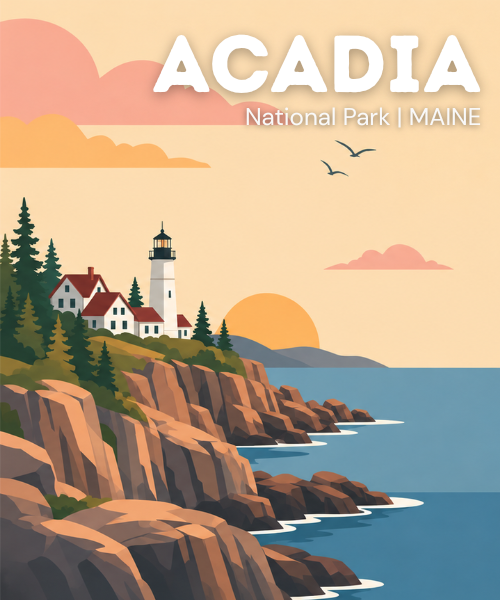
Coastal dawn
Acadia
Salt wind and granite shoreline — a travel postcard feel for seaside journeys and sunrise stops.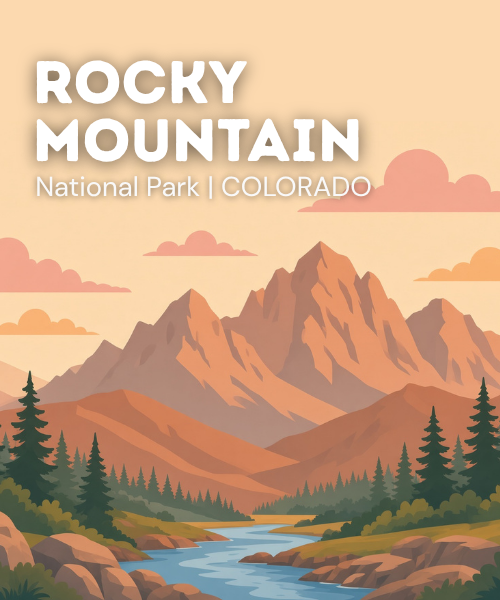
High meadows
Rocky Mountain
Big sky and alpine meadows for the postcard that holds a high-country memory.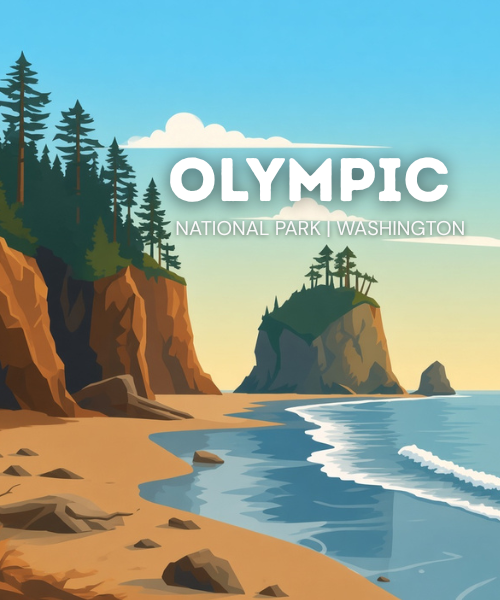
Wild shore
Olympic
Mossy forest hush meeting a wild coast — for trips where the destination feels far from ordinary.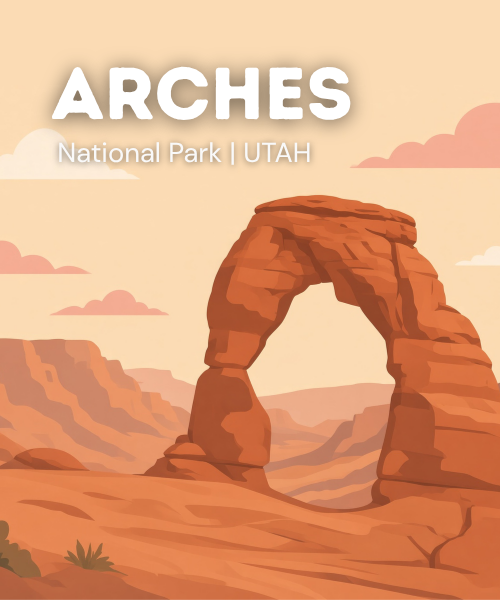
Desert window
Arches
Desert stone frames and open blue sky — a scenic-spot look for the photo you want to send home.Ways to use travel postcards
1.Road trips
Road trips
One postcard per stop makes a running diary your family can follow along with.
2.Family visits
Family visits
Send grandparents a postcard from the kids' first big hike.
3.Honeymoons and anniversaries
Honeymoons and anniversaries
Mark the place you said "let's come back here."
4.Group trips
Group trips
Send everyone a postcard of the group shot the night you get home.
5.Solo adventures
Solo adventures
Let people know you're safe and having the time of your life.
What to write on a travel postcard
Stuck on the message? Borrow a line and sign it your way.
Made it to the top. Legs are jelly, view was worth it.
Saw this and thought of you immediately.
Our phones have no signal, and it's the best thing that's happened all year.
Day four. Still haven't run out of snacks or things to look at.
Greetings from somewhere with way more stars than home.
Send a postcard online, free
It arrives the moment you send it
No stamps and no waiting for the mail. Send it from the trailhead and it's on their phone before you're back at the car.
It flips like the real thing
Your recipient opens the link and flips through the postcard right in the browser.
Your photo, your words
It's not a stock picture of the park. It's your view and your note, stamped with the day you made it.
Free for everyone
Make one, make ten. No account, no app.
Make more than a postcard
Got a whole trip's worth of photos? Turn them into a memory book with a page for every day. Want full control over the design? Try the DIY editor, or send a quick instant eCard.
Travel postcard FAQs
Is it free?
Yes. Anyone can make and share a travel postcard for free, with no signup.
What is a Flippos travel postcard?
A digital postcard made from a photo already on your phone. You pick a look, add your photo and a short note, and get a postcard you can share by link in about 30 seconds.
How do I make one?
Choose a look, upload a photo from your camera roll, write a note or tap for a ready-made travel line, sign your name if you like, and generate. You'll get a link to send.
Which places can I pick from?
There are looks inspired by Yellowstone, Yosemite, Grand Canyon, Zion, Grand Teton, Glacier, Acadia, Rocky Mountain, Olympic and Arches. Browse them all on the travel designs page. Have a place you'd love to see? Suggest it there.
Who are travel postcards for?
Anyone who wants to hold on to a trip moment and share it fast: a trail overlook with a friend, a family visit to a beautiful place, or a quick note home from a road trip. No design skills needed.
How do I share it?
After you generate the postcard, you get a link you can send by text, email or social. Your recipient opens it in their browser and flips through it.
How do I get help?
Email help@flippos.xyz with general questions or support@flippos.xyz if something isn't working. You can also visit our Help page.
Want more control?
If you have a fully customized design in mind or want a more powerful design experience, try the full customize design flow. Or browse more park ideas on the National Park travel cards page.
Browse All Templates