Start with the Birthday card, drop in a few photos of the two of you and write something they'll actually remember. Need a nudge? Browse the Birthday page or birthday message ideas.
Free eCard & Greeting Card Templates
Pick a starting point, add your photos and a few words, and send a card they can flip through. Anyone can create and share an ecard for free, no signup needed.
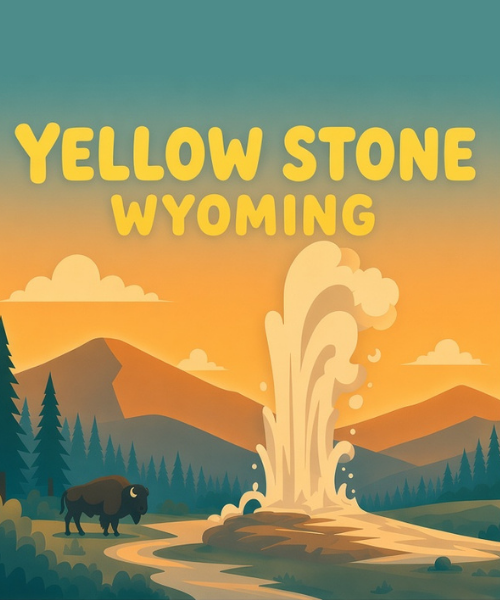
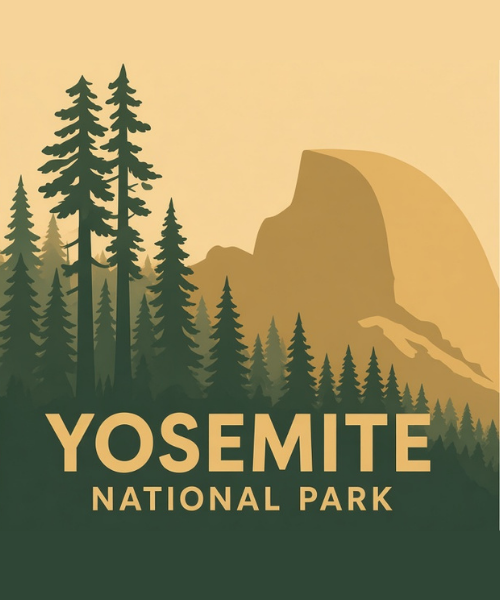
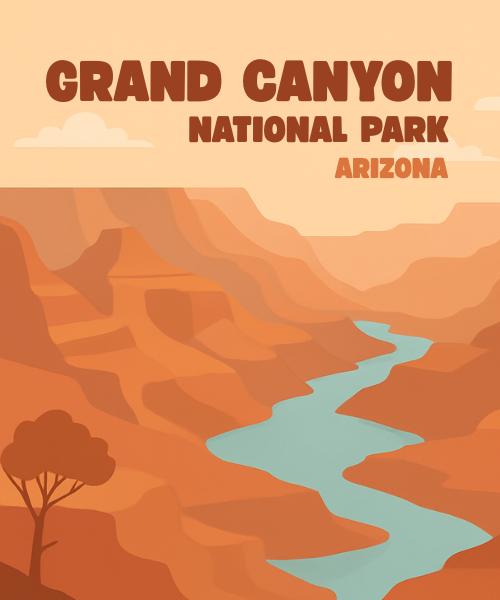
National park travel eCards
Turn a trip photo into a free national park postcard: Yellowstone, Yosemite, Grand Canyon and more, ready to share in seconds. Pick a park look, drop in your photo, add a note and send it to everyone back home.
Browse free eCard templates by style and occasion
Discover digital greeting card template options for birthday cards, holiday cards, thank-you messages, and team celebrations, plus interactive memory book layouts.
Create a free eCard in 3 easy steps
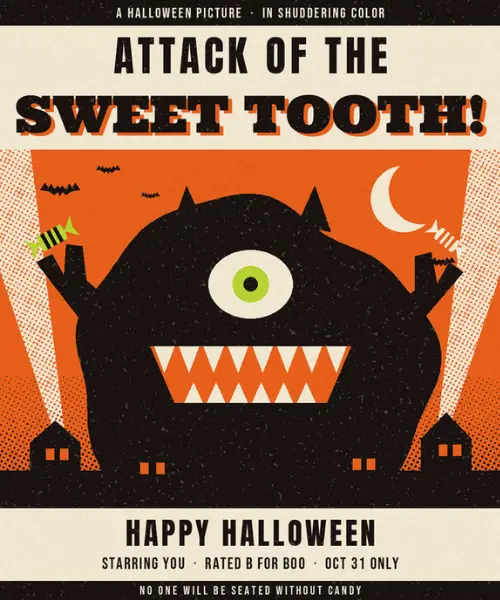
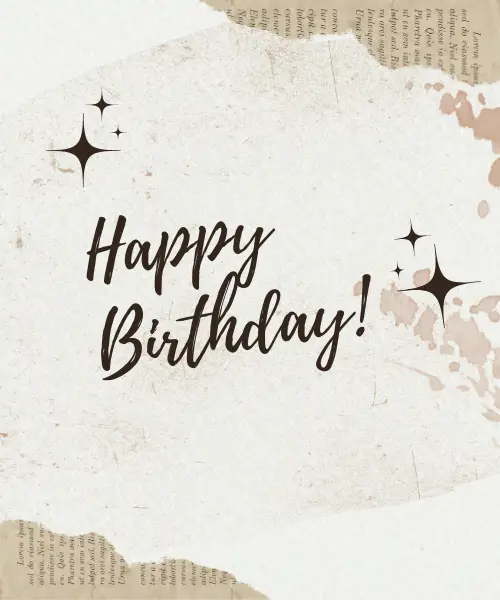
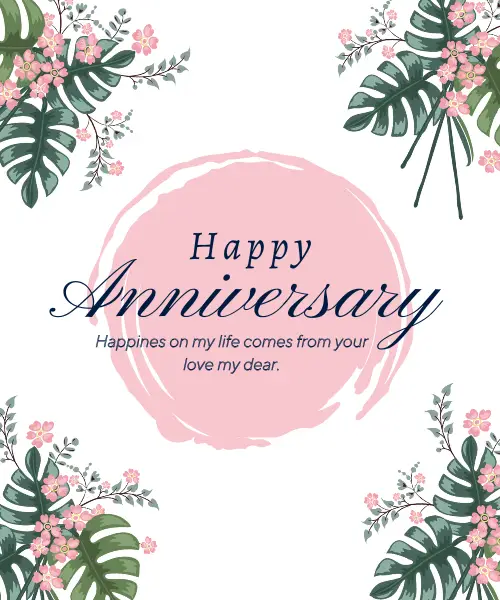
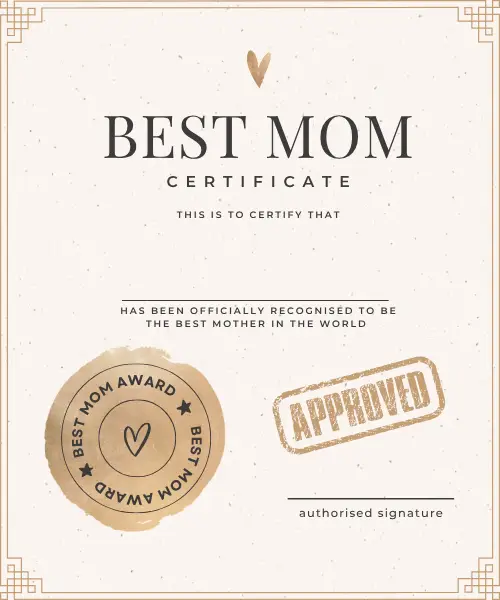

Pick a template
A birthday card, a memory book, a travel postcard or a blank design.
Make it yours
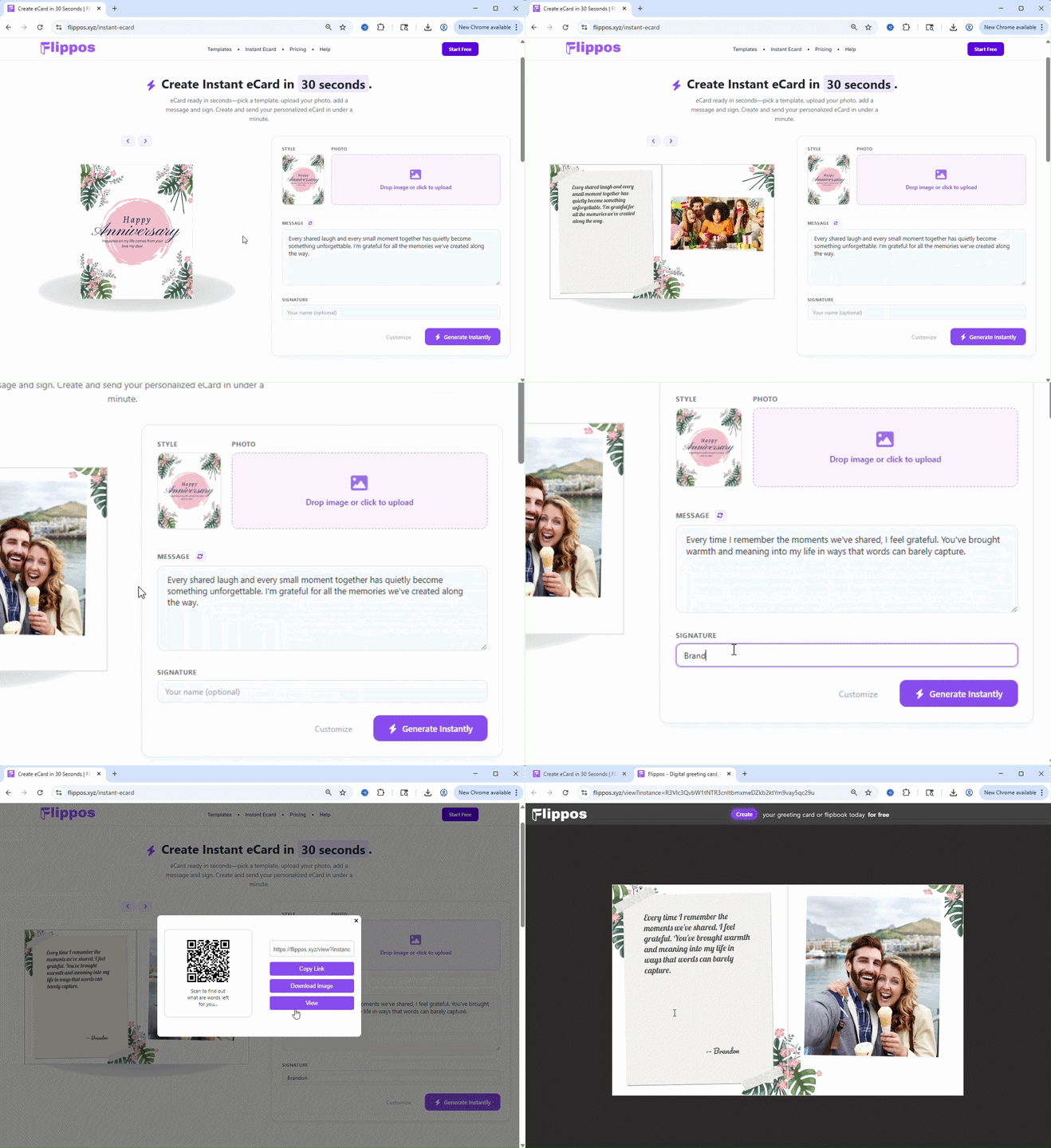
Add photos from your camera roll, type your message, choose fonts and backgrounds, and add stickers.
Share it
Click generate and send the link, or let someone scan the QR code. It opens on any phone, tablet or computer.
Why make your eCard with Flippos
1.It's free
It's free
Anyone can create and share an ecard, with no signup.
2.It's personal
It's personal
Your photos and your words, not a stock greeting.
3.It flips like a real card
It flips like a real card
Recipients turn the pages right in their browser.
4.It arrives instantly
It arrives instantly
Send a link or a QR code, no app needed on either end.

Digital memories, ready to share
What Flippos is for
Turn photos into a digital memory book
Your camera roll is full of moments worth more than a single card. A memory book gives them room: page after page of photos and captions for a year together, a family trip, a best friend or a whole team. Add pages as you go, arrange each one however you like and share the finished book with one link. It's a lovely anniversary or birthday gift, and it's how Flippos got started.
- Personal eCards. Free digital greeting cards with your photos, signatures, and a custom message.
- Interactive memory books. Multi-page keepsakes for relationships, families, teams, trips, and milestones.
- Share by link or QR. Send a free eCard instantly — it opens on any phone, tablet, or computer.
- Editable templates, free to start. Pick a style, make it yours, and come back anytime to revise.

Cards for every occasion
For an anniversary, one page is rarely enough. A memory book lets every year, trip and inside joke have its own page. Find words in our anniversary messages.
Add a photo of the gift in use or the dinner you shared, and say exactly what it meant. Our thank you messages can help you start.
Send one card to the whole family group chat. Pick a festive background, add this year's family photo and a note. Ideas: Christmas messages and Thanksgiving messages.
Turn a trip photo into a postcard in about 30 seconds with the travel postcard maker.
A Father's Day card lands best with a photo of the two of you and a note that sounds like you — not a stock greeting. Borrow a line from our message ideas if you need one.
Pick a soft background, add a favorite photo, and write the thank-you you've been meaning to say. Our message ideas can help you start if the blank page feels stuck.
Celebrate the big day with a ceremony photo and a short note about what's next. Flippos works for a single card or a multi-page keepsake — see use cases for graduation inspiration.
For a promotion, a move, a new baby or a big birthday, give the moment room: photos, captions and a personal note. Find a starting line in our birthday messages or anniversary messages.
Frequently asked questions
Is Flippos free?
Yes. Anyone can create and share an ecard for free, no signup needed. Want a card to last forever? See the optional upgrades.
How do I make a card?
Pick a starting point above, add your photos and message, and click generate. You'll get a link and a QR code to share.
What's the fastest option?
The instant eCard or the travel postcard maker. Both take about 30 seconds.
Do I need design skills?
No. Choose fonts and backgrounds, drag and resize your photos, add pages and stickers. It's all point and click.
Do you have national park postcards?
Yes. Make one with the travel postcard maker, or browse all the travel designs.
Where can I get help?
Check our Help page, email help@flippos.xyz with general questions, or support@flippos.xyz for product issues.